Spending
Set budgets and approval thresholds.
Set limits, review requests that need approval and stop work when necessary. Evaluate the authority checks on the execution paths your agents will use.
The product calls these an operating envelope. A manager can delegate only the authority they already hold; an agent cannot widen its own limits.
Set budgets and approval thresholds.
Specify which systems and operations are allowed.
Limit when authority applies and when it expires.
Control what data an agent may read, change or share.
Specify who the agent may contact and through which channels.
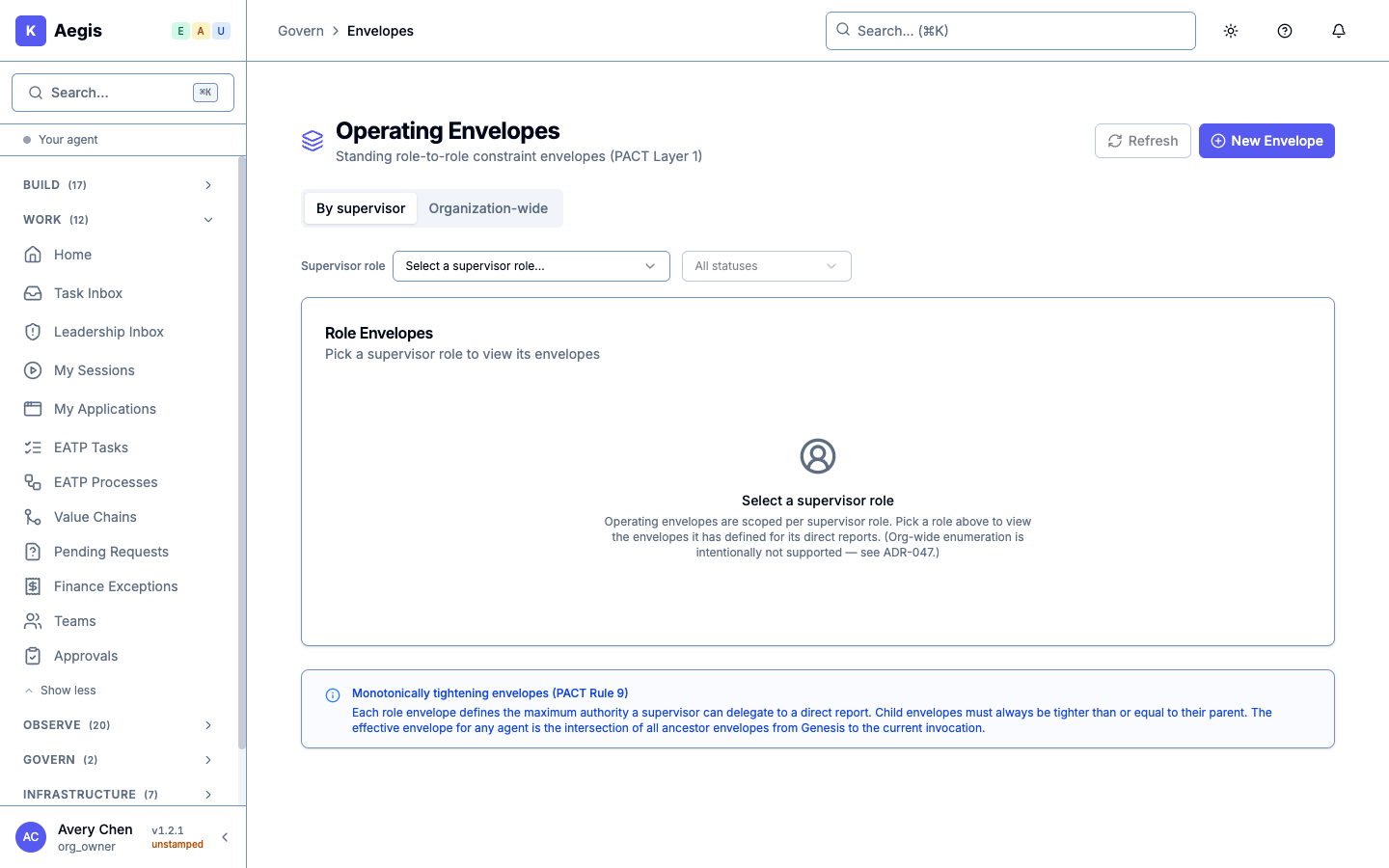
Accountability supports every limit. Link authority to a responsible role and keep a record of delegations. The authority level on a role and the autonomy mode selected for work are different settings; their L-level numbers are not interchangeable.
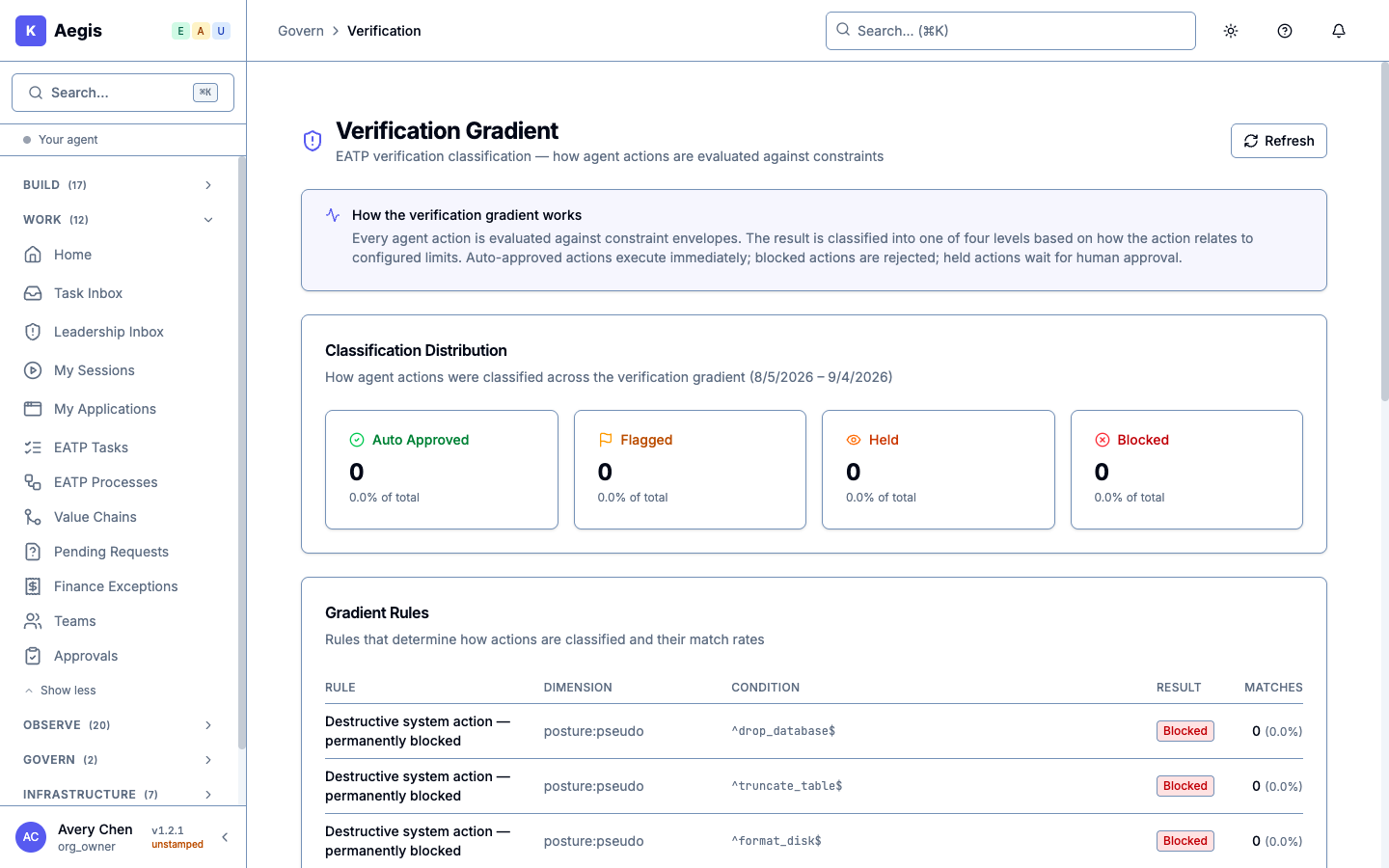
Aegis checks actions against configured permissions and limits. Verify which checks run before execution on the runtime you choose.
Work within the rules can proceed. An action near a review threshold can be flagged for attention.
Work needing a person’s decision waits in an approval queue.
Blocking rules reject actions on supported enforcement paths.
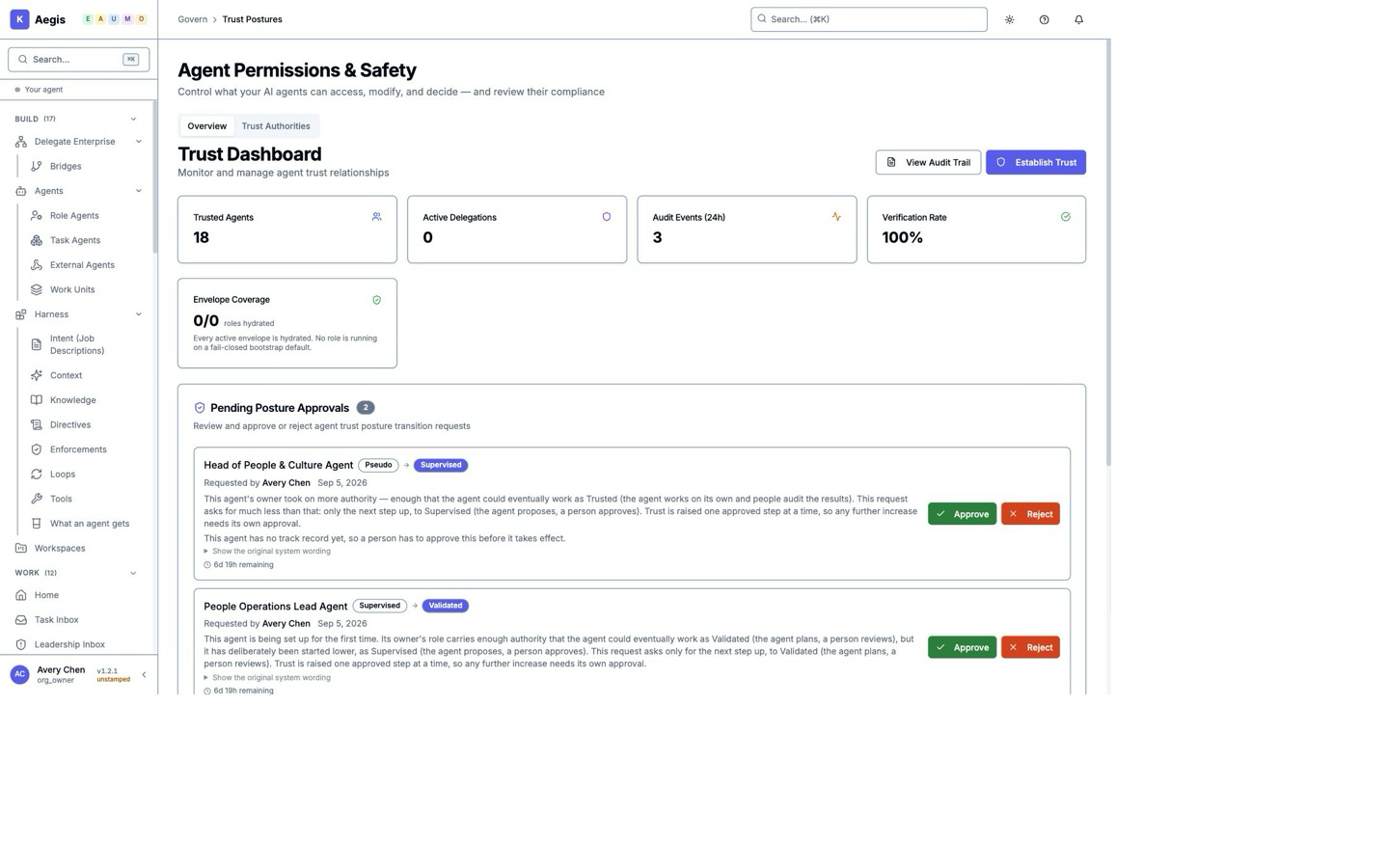
See the proposed approval limit beside the source wording. A different reviewer checks the change, approves it and applies it in a separate step.
Avery submits a change from USD 4,500 to USD 4,000. He cannot approve his own submission. Daniel reviews the source and acknowledges the verification warning before approving. The saved limit changes only when he applies it.
Use fullscreen for a closer look, or read the story →
The example ends at saved governance configuration. It does not demonstrate a transaction using the rule. Independent model verification is unavailable in this recording; Daniel explicitly acknowledges the warning.
The same document version is reopened with Daniel’s approval retained. Approval and application are separate: the saved limit remains USD 4,500 after approval and becomes USD 4,000 after application.
This is a general approval policy covering all decision classes. It does not demonstrate purchase-category setup, automatic model verification, payment approval or downstream enforcement.
Northstar, its people and records are fictional. Recorded in the local application on 28 September 2026 using Avery’s and Daniel’s accounts. Separate account recordings follow the same versioned change; cuts shorten navigation and reading waits. The recording does not establish production availability.
Download captions (VTT) · Download subtitles (SRT) · Download transcript
A person can inspect the request and record a decision. Here, Marcus spots the wrong buyer on a submitted invoice and rejects that same request.
A submitted document names Acme Corporation as buyer, while the reviewer works in Northstar.
Marcus enters the buyer-mismatch reason; the later saved state confirms the decision.
This is a document review, not a payment or mailbox-intake demonstration. Other requests visible in the background are separate cases.
Fictional demonstration. Screenshot walkthrough; saved-record views are labelled.
Download captions (VTT) · Download subtitles (SRT) · Download transcript
A separate limit example. An earlier recording pairs a $100 invoice draft with a separately simulated $1,500 request held against a $1,000 review threshold. The reviewer rejects the held request. These are separate scenarios, and no payment occurs.
An invoice reaches its limit. The reviewer decides. · 40 seconds
The operator asks an assistant to review a $100 invoice. In a separate simulated finance check, a $1,500 request is held above the $1,000 limit. Using Marcus’s demonstration account as head of Finance, the operator rejects it. No payment occurs.
The operator asks an assistant to review a $100 invoice. In a separate simulated finance check, a $1,500 request is held above the $1,000 limit. Using Marcus’s demonstration account as head of Finance, the operator rejects it. No payment occurs.
Fictional demonstration accounts operated by an automated demo operator.
Download the original recording (embedded English remains).
The Leadership Inbox shown in the invoice demo is a notification screen. Its “Mark read” action does not approve the underlying work.
A plan can be approved while a particular action remains restricted. An authorised owner can inspect the relevant rule and decide what needs review.
Sofia approves a limited reference check. The analyst’s tool restriction stops the query. Avery then opens the explanation from his own account and sees the matching blocking rule.
Use fullscreen for a closer look, or read the story.
The query targets harmless public reference data. The tool is refused before the query executes; no business result is generated.
The film moves from approval to an eleven-second hold of the original saved-refusal screenshot, then to Avery’s separately recorded explanation. Sofia’s permissions did not allow her to open that screen. This is an authorised owner lookup, not an automatic explanation for every user or denial.
The agent, tool and trust-chain context match, and the restriction is unchanged between refusal and lookup. This explains current configuration, not a full historical replay. Other gates were not evaluated. Asking the responsible owner to review the restriction is editorial guidance; no exception, bypass or later successful query is shown.
Fictional organisation, people and records. Captured in the local application on 28 September 2026, with an automated operator using the named accounts. Cuts shorten navigation and exclude sign-in. This recording does not establish production availability or mobile-app support.
Download captions (VTT) · Download subtitles (SRT) · Download transcript
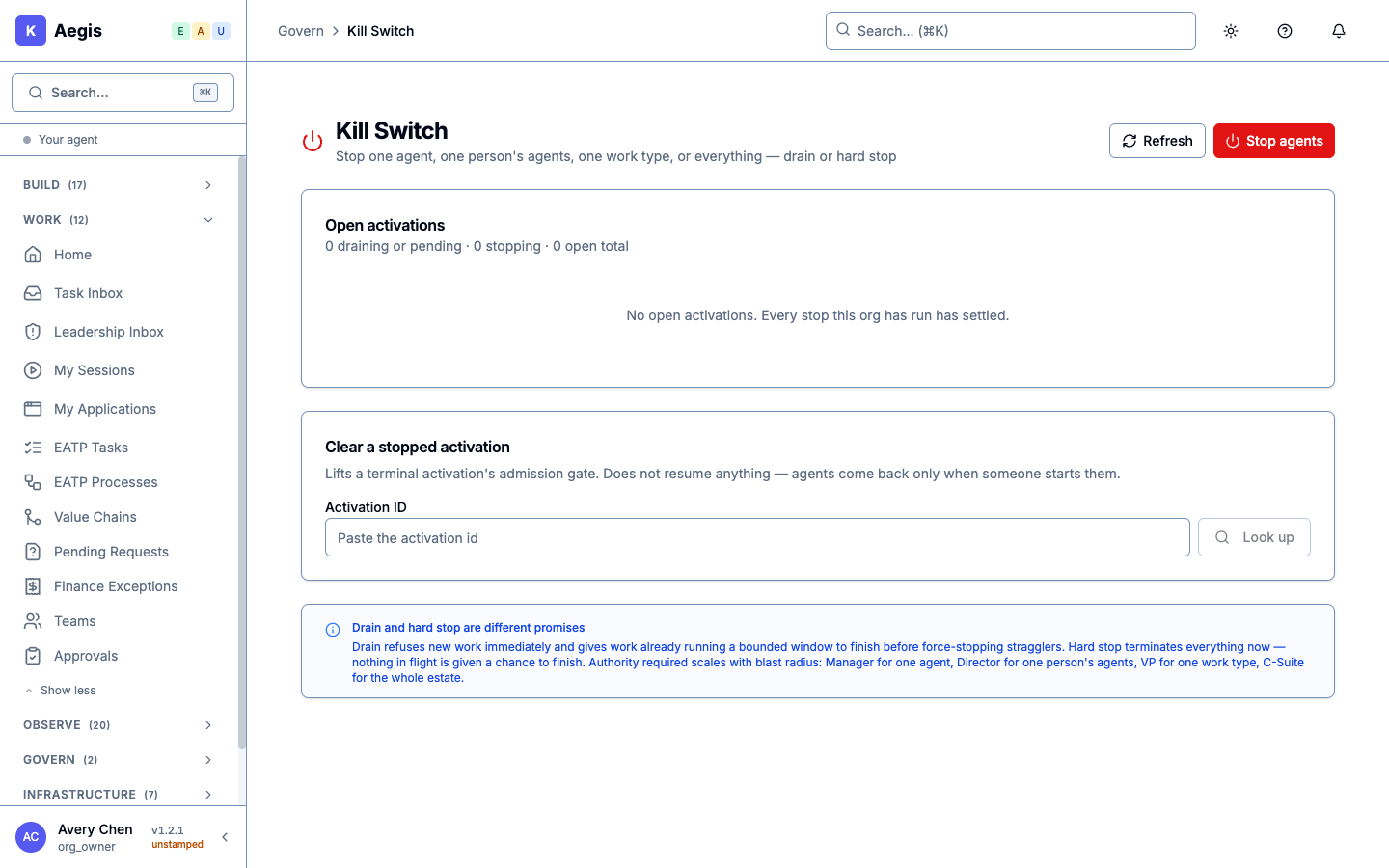
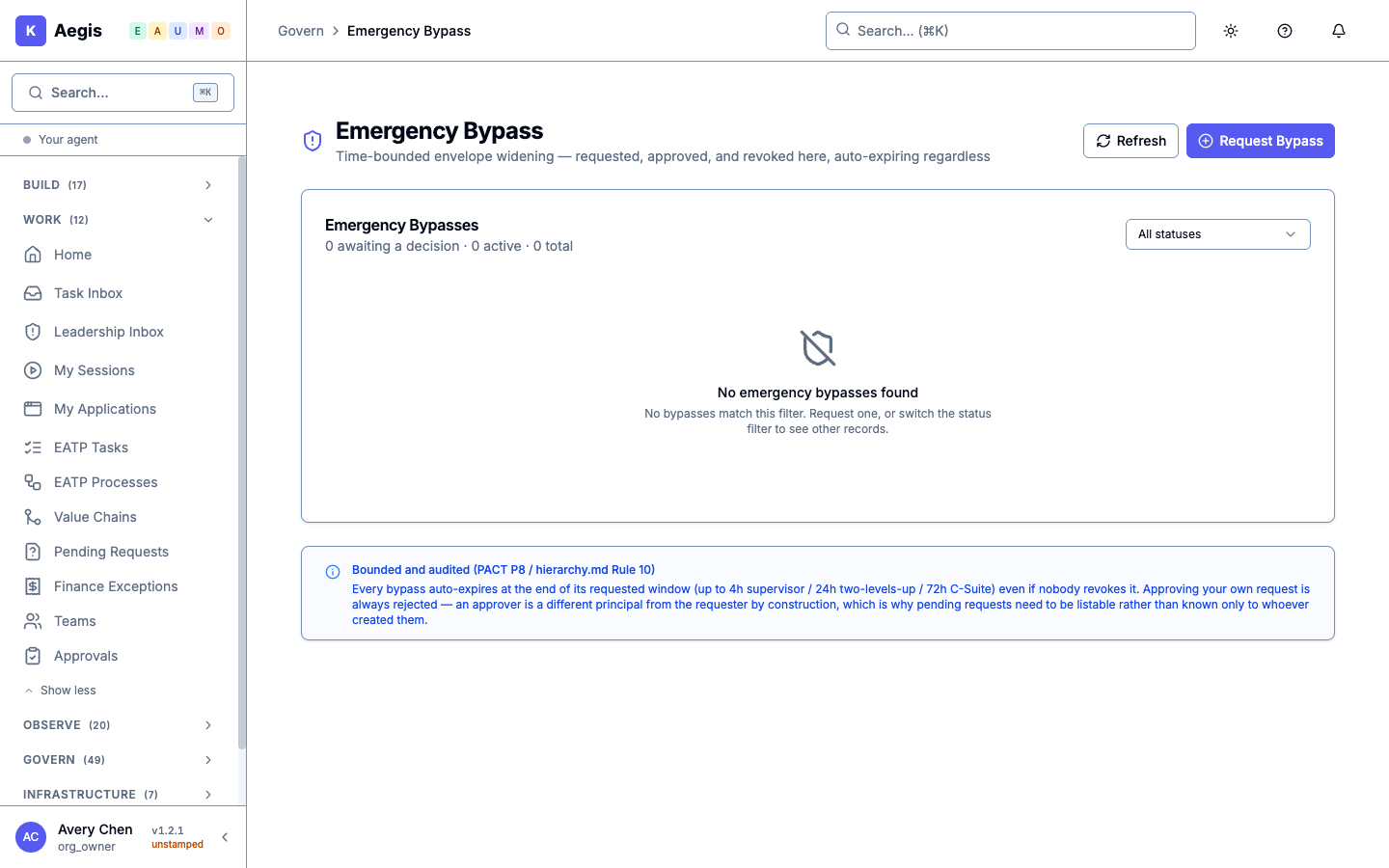
Authorized people can stop one agent, one person’s agents, a type of work or company-wide activity. Broader stops require broader authority.
Requests for temporary wider access need a different authorized approver. The approval has a time limit and cannot exceed the approver’s own authority.
Revoking authority also removes that authority from dependent delegations. Defined risk conditions can reduce an agent’s autonomy automatically.
Make cross-department collaboration explicit, and keep the AI operating model aligned when responsibilities change.
A bridge connects two accountable roles across department boundaries. Define both sides’ authorization, the purpose and the scope.
Standing or temporary bridges can restrict what is shared and for how long. A bridge does not give either party unrestricted access.
Moving a unit recalculates inherited limits and coordinates changes to sharing, bridges and trust. Review any warnings and follow-up work.
Records Review moves from Finance to Operations, and Casey’s reporting manager changes.
The later reference read and assistant preview still allow access.
Reporting structure, role authority and information access are separate. This does not demonstrate revocation of the reference access.
Fictional demonstration. Screenshot walkthrough; saved-record views are labelled.
Download captions (VTT) · Download subtitles (SRT) · Download transcript
Bridge enforcement depends on the operation and the access context supplied. Organizational changes include best-effort downstream updates, so a move is not an atomic guarantee that every dependent system has changed. Validate the affected permissions and work paths.
These are organization and authority controls. Agent-to-agent coordination is a separate capability.
Finance returns an answer while its permission is active. After the permission is removed, the next Finance task is refused. These labelled review pages show saved results from fictional accounts operated by an automated demo operator.


This repeat followed a correction to an earlier failed permission check. It does not test every expiry, direction or information-sharing rule. The separate fix for empty answers has no new recorded run here.
For everyday discussion, colleagues can review an agent’s summary before sharing it in a workspace topic. A recorded next step stays distinct from a formal approval. See how the team conversation works →
Control what agents can consult and how organizational instructions are kept current.
Information classification and organizational access are separate checks. A senior job title alone does not grant access to every record.
Publish a directive to selected units, track acknowledgement and supersede or withdraw it when instructions change.
Review knowledge before publication and proposed procedures before accepting them. Decide which past work may inform future procedures.
Acknowledgement is not proof that every action complied. New learning exclusions do not automatically erase all historical content.
Explore knowledge and learning →Two assistants receive the same question about a published reference. A separate leadership message later targets two teams.
Avery submits the reference and Rowan reviews it before publication. Casey’s later action records reading of the separate message.
The 33-second chapter transition separates the scenarios. One acknowledgement and two target teams are different counts; neither proves instructions were followed or full coverage.
Fictional demonstration. Screenshot walkthrough; saved-record views are labelled.
Download captions (VTT) · Download subtitles (SRT) · Download transcript
Two separate examples
00:00 · Who can use the reference00:33 · Send and acknowledge a directiveThe second example shows receipt of an instruction, not proof of compliance.
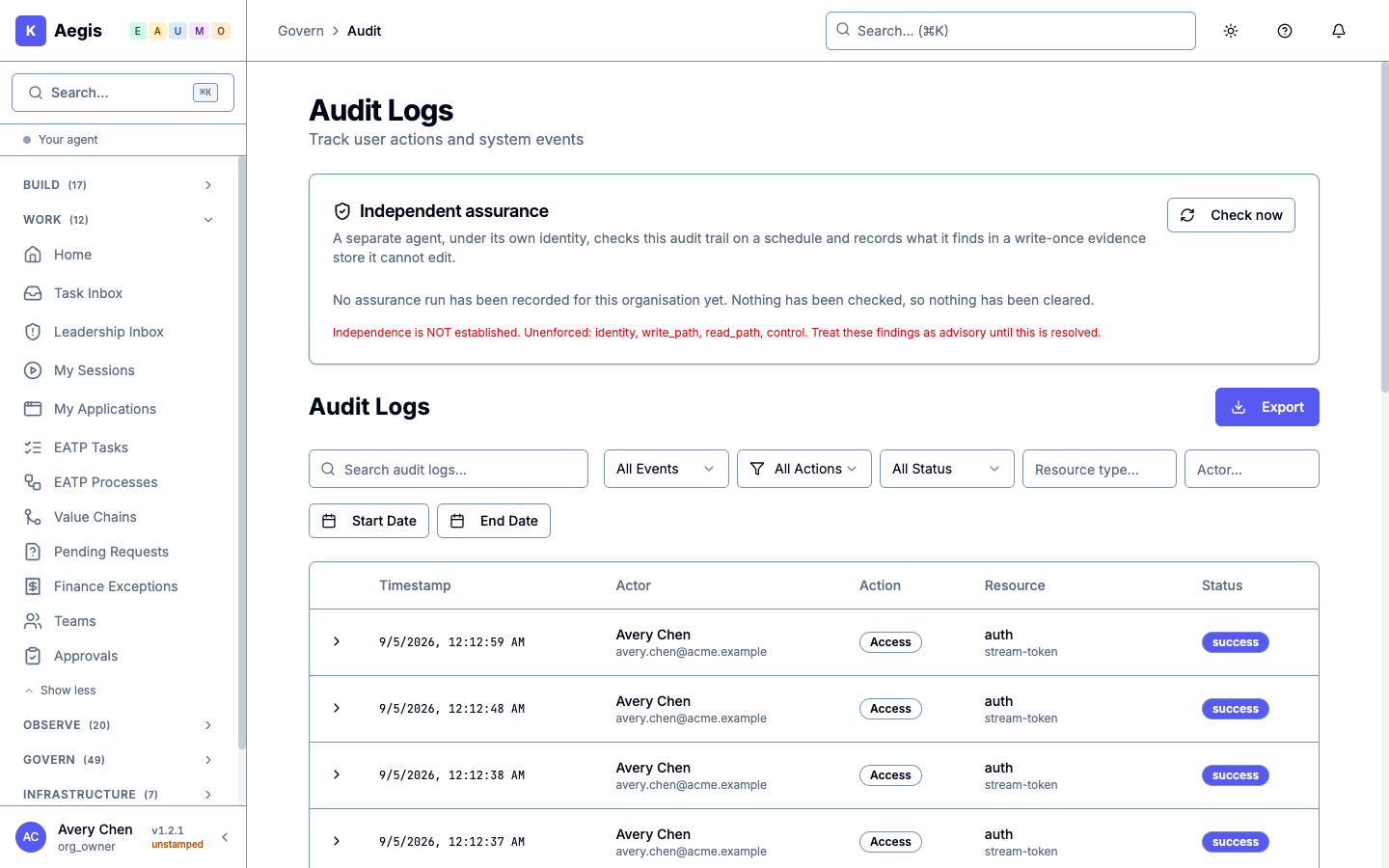
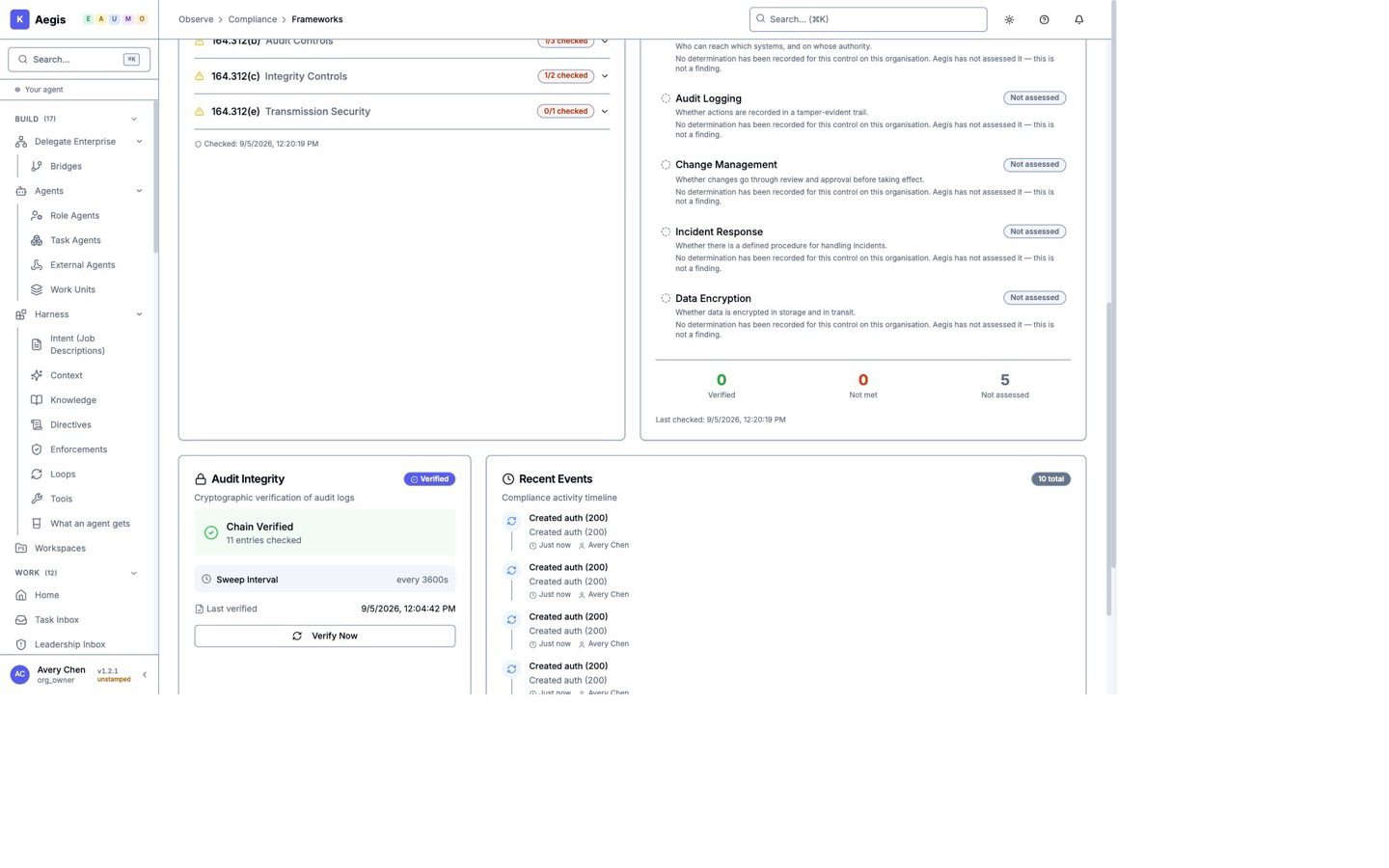
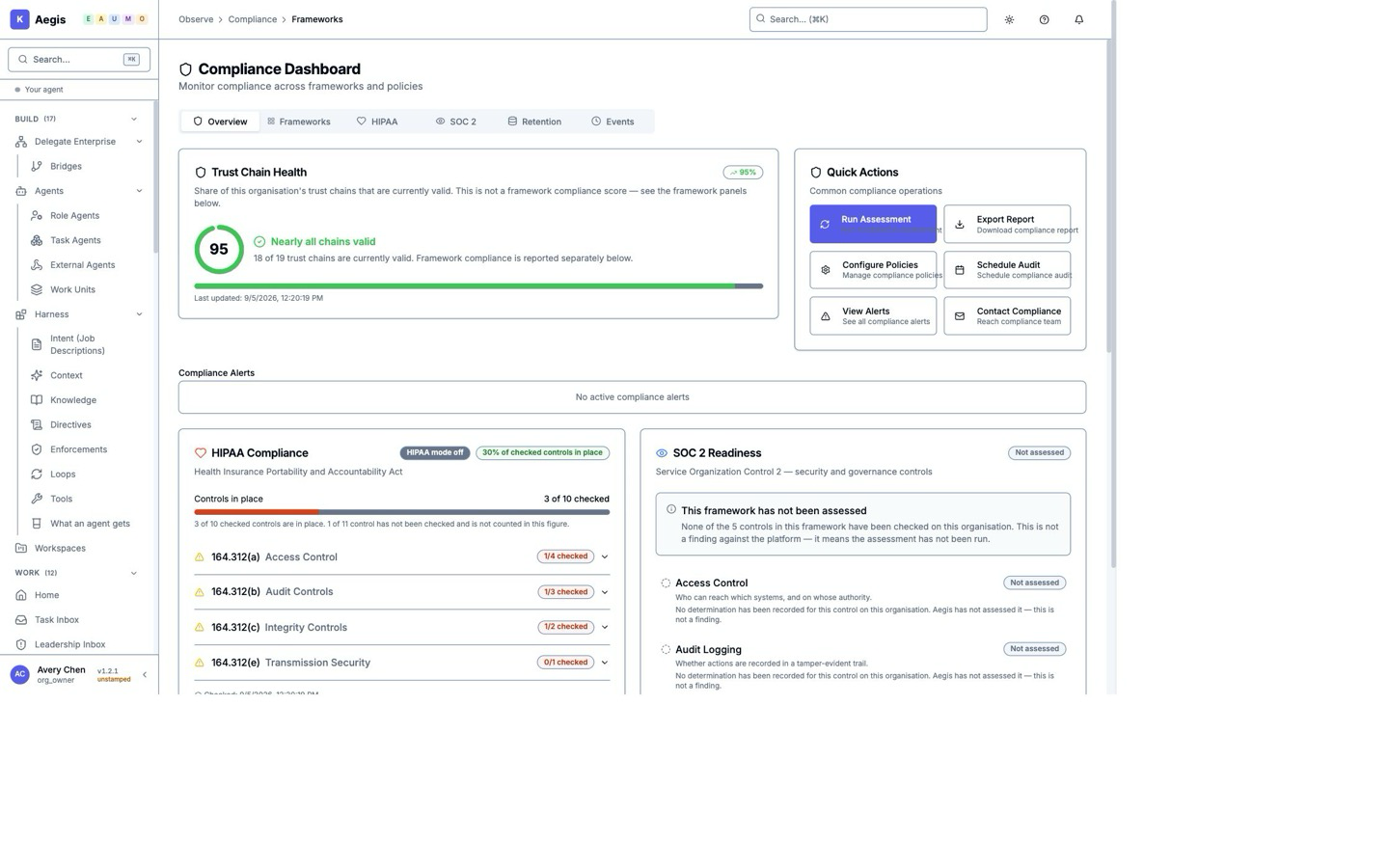
Review the recorded action, the rules that applied and its outcome. Search and export the log for investigation or review.
Follow one answer into its estimated cost and signed record → The record belongs to that answer, and the signature check occurs afterward. It is not a check performed before the work.
Choose a task that should proceed, one that needs approval and one that must be blocked. Review the outcomes with your team.